For Windows · runs on your computer
Your photos, the way you remember them.
Enlarge small photos, wipe out grain, bring faces back into focus and cut out the background. The AI runs on your graphics card, and the photo never leaves your PC.
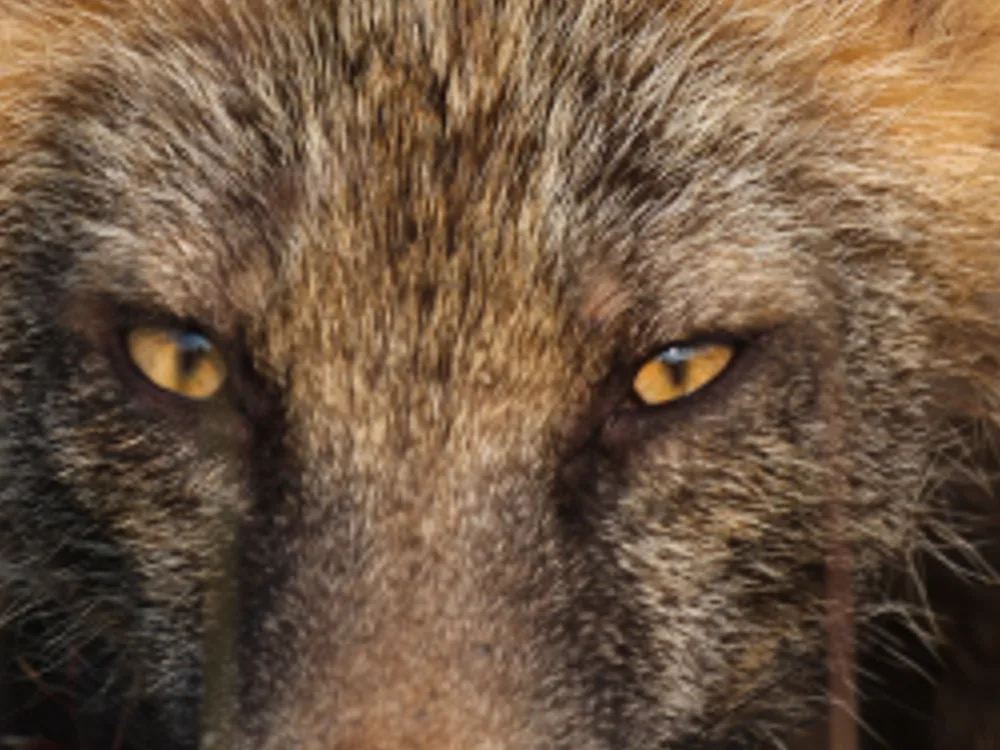
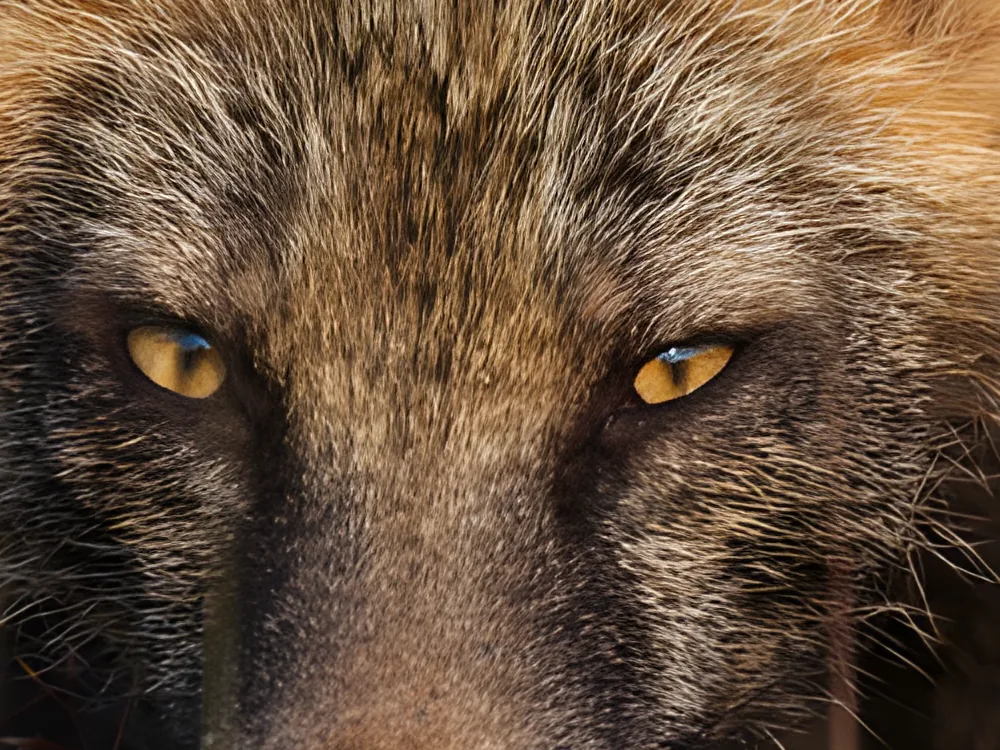
Try it
Four things you will want to do with a photo.
Every example below was made by PhotoBoost itself. Pick an operation and drag the line to compare.
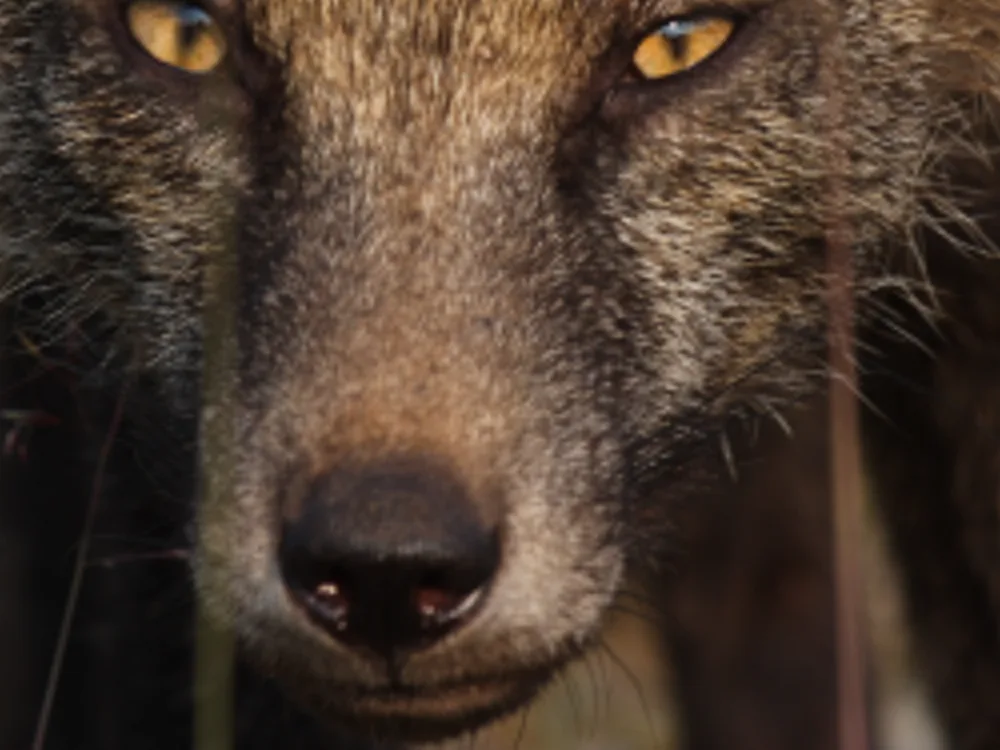
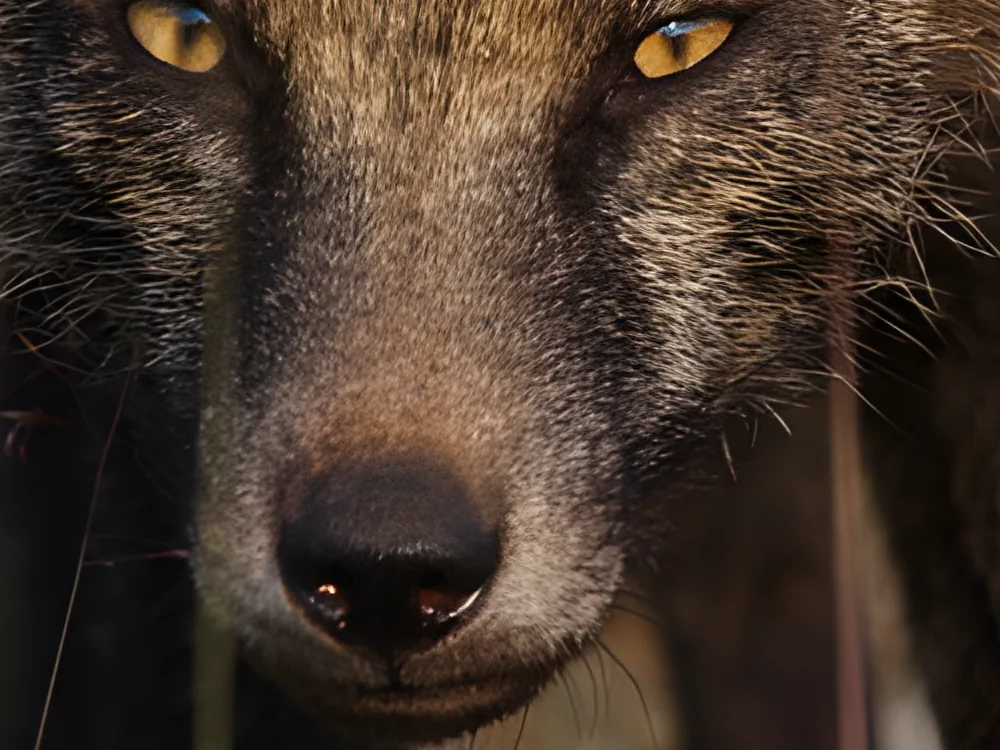
Detail where there was blur.
A small photo, from an old phone or cropped from the web, becomes an image large enough to print. The AI does not stretch the pixels: it rebuilds fur and texture.
- Model
- Real-ESRGAN x4plus
- Result
- 1500 × 1336 px
- Time
- 1.9 s
A crop at full size. The original was reduced to 25% and enlarged back, so there is a reference to compare against.
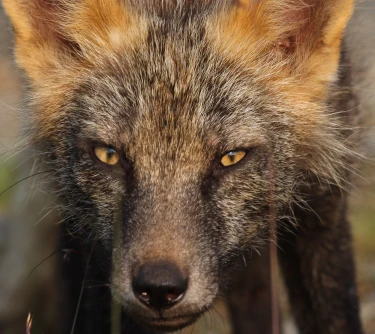 This is the photo the enlargement at the top of the page came from, at its real size: 375 × 334 px.
How it works
From photo to result in four moves.
- 1
Drop the photo
Drag it from Explorer onto the window, or open it with the button. JPEG, PNG, WebP, TIFF and whatever else Windows opens, upright and in the colours of the camera's profile.
- 2
Choose what to do
Upscale, denoise, restore faces or remove the background. A bar shows the progress and the time left, and you can cancel at any moment.
- 3
Compare
Drag the line across the result, or see them side by side. Zoom in with the mouse wheel down to the pixel. Not happy? Ctrl+Z undoes it without redoing the work.
- 4
Export
PNG, JPEG or WebP, at the quality you choose. Transparency is kept, and the camera details go with it only if you ask.
Privacy
Your photo never leaves your computer.
Everything happens on your machine: there is no server, no account and no upload. The AI models live in a folder of yours, and the photo you open is read by them alone.
- 0photos sent to the internet
- 0accounts to create
- 100%of the processing on your PC
Speed
Fast with a graphics card. Works without one.
With a DirectX 12 GPU PhotoBoost runs on DirectML, and on an NVIDIA RTX card it upscales with TensorRT-RTX once Windows has installed it; without a GPU, it runs on the processor. Large photos are processed in tiles, as large as the card's free memory allows.
| Operation | Size | Time |
|---|---|---|
| Upscale 4× | 375 × 334 → 1500 × 1336 px | 1.9 s |
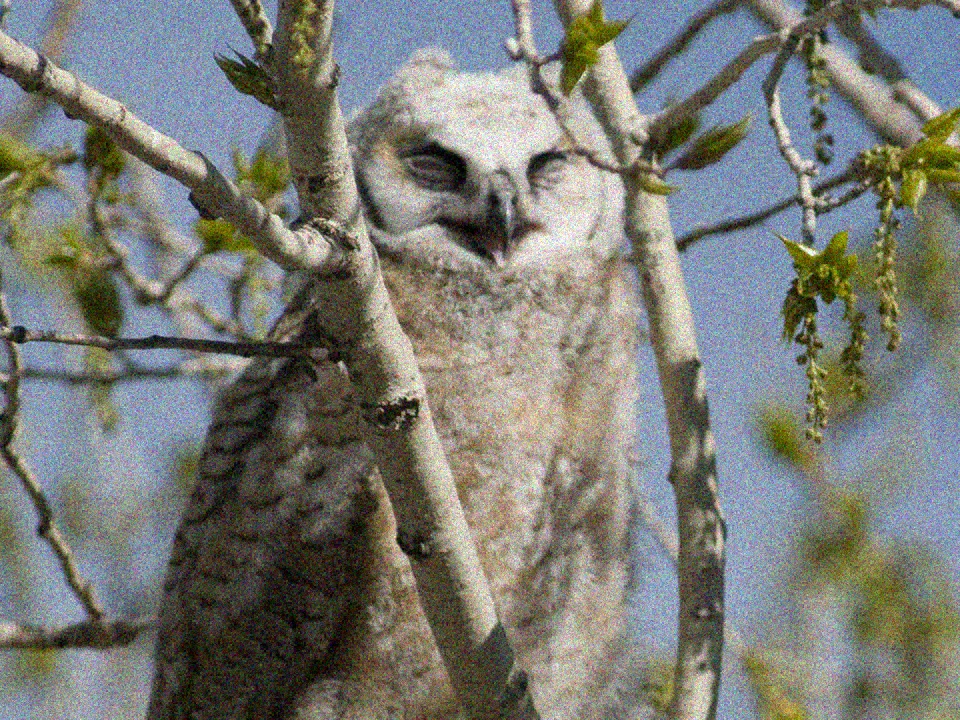
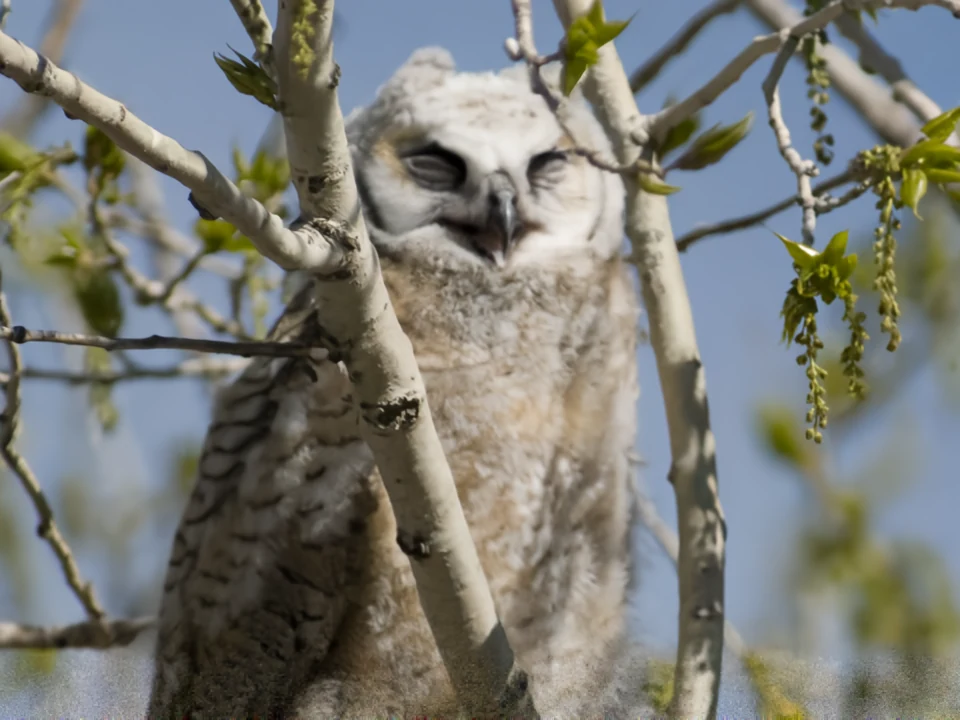
| Denoise | 960 × 720 px | 3.1 s |
| Restore faces | 824 × 1024 px, 1 face | 1.7 s |
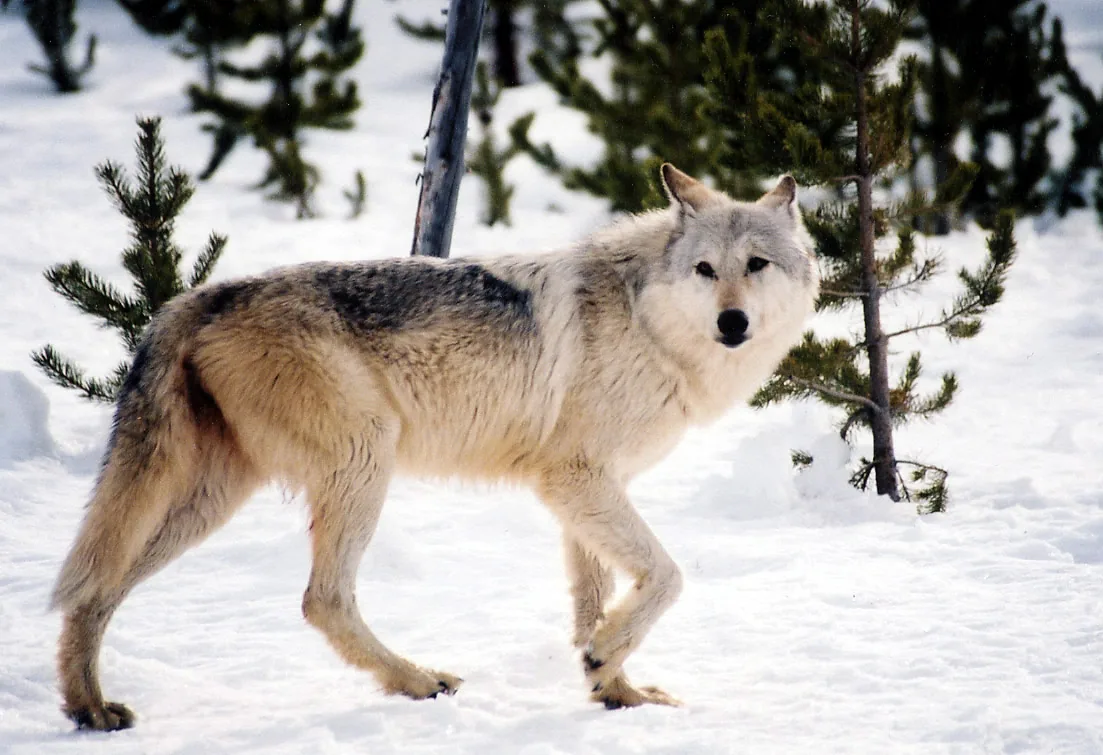
| Remove background | 1103 × 755 px | 1.6 s |
Measured on a laptop NVIDIA GeForce RTX 4060, at high quality, including loading the model. Without a GPU the same operations take longer and reach the same result.
The details
Made for people who really edit photos.
History with undo
Every operation becomes a version. Ctrl+Z and Ctrl+Y move between them without running the AI again.
Comparison on the GPU
A draggable divider, side by side, and zoom down to the pixel, drawn by the graphics card.
The right way up
The sideways photo from your phone opens upright, as the camera recorded it.
Faithful colours
Photos in Display P3 and other profiles are converted to sRGB before anything else.
Transparency kept
PNG and WebP with transparency stay transparent after they are enlarged.
Camera details, if you want
Date, camera and GPS go into the exported file only if you tick the option.
Cancellable
A long operation stops at the next tile when you cancel it.
Memory under control
If the card runs out of memory, the tile is redone smaller, and in the end on the processor.
Download
PhotoBoost for Windows. Available
A 170 MB installer: upscaling and noise removal work offline from the first time you open it. Face restoration and background removal download their AI models the first time you use them, after telling you the size, the source and the license, and from then on they work offline too. Your photo is never uploaded. A high-quality set, also faster on a PC without a graphics card, is an optional download from the app's About screen.
Download the latest release- Windows 10 (1903 or later) or Windows 11, 64-bit
- A DirectX 12 graphics card to use the GPU; without one, it runs on the processor
- Per-user install, no administrator needed
- An internet connection the first time you restore faces or remove a background; the models then stay on your PC
About the models' licenses
Real-ESRGAN (BSD-3), SCUNet and ViTMatte (Apache-2.0) and YuNet (MIT) are free to use. GFPGAN v1.4 has parts under a non-commercial license, and RMBG-1.4 is licensed by BRIA for non-commercial use only; the app shows each license on its About screen.